
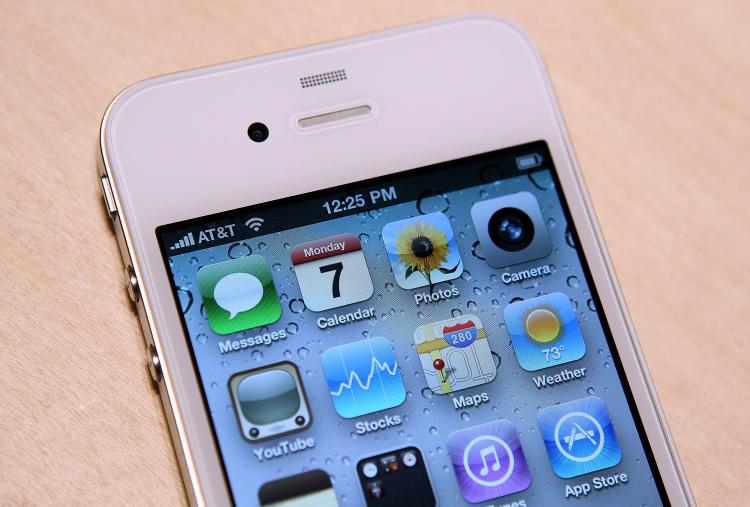
From a historical perspective, this is a continuation of Apple’s strategy of bringing movie editing capabilities to the common user, and from a technical perspective, it is a tremendous achievement to bring the ability to edit HD movies to a device that you can hold entirely in your palm. With the iPhone 4, we now have a mobile movie-editing device that has specs that match or exceed that of the first iMac which ran iMovie.
Additionally, the iPhone has a multi-touch and very high-resolution screen. The potential there is huge, but Apple chose to be more conservative with the features in the 1.0 version of the iMovie app.
The interface, of course, is totally redone for the iPhone. Apple stripped out most of the features of the desktop version of iMovie, and has included only the bare essentials needed to edit a movie.
There are so few features, in fact, that there are hardly any instructions and no help screen. Essentially, all you can do is just and add or move clips or photos, trim them, add transitions, and change themes. Most of these things are very easy for the first-time user to pick up.
There are two nice features that take advantage of multi-touch technology though. You can zoom in on the timeline to see more details, by making a pinching gesture, and you can use your fingers intuitively to set beginning and end points for the Ken Burns effect.
Despite the potential that all this technology offers, I found the process of editing even a simple video to be tedious. In particular, there is a slight lag in scrolling through the collection of video clips and it does not remember the last position you scrolled to; trimming the clips on the timeline was not very smooth and the display did not seem to update properly; and there was also no aural feedback to help stop at the right place.
There is also lag in other areas which gives the overall impression that the iPhone 4 really is not fast enough to take on the task of video editing. Although it is certainly feasible, the process is not necessarily enjoyable. While editing my video, I kept aching to use the desktop version of iMovie to speed up the entire process.
There are just too many limitations in the first version of the iMovie app. You cannot split clips and you cannot add your own music track. If you add the music track from the built-in themes, you cannot change where it ends. It really makes for very rough editing. You would probably only want to use iMovie for iPhone if your computer broke or if your version of iMovie is so old that it can’t handle the HD format.
As a summary, iMovie for iPhone makes a nice technology demo, but it is barely a viable tool. Apple should have made this version available for free.
iMovie for iPhone sells for $4.99.
 Friends Read Free
Copy
Facebook
Tweet
Friends Read Free
Copy
Facebook
Tweet